What is a Smart Lock and How Does It Work? | Quba
Traditional keys and locks are no longer sufficient for protection in the modern world where technology is changing our way of life. Smart locks are now an essential part of contemporary home security due to the growth of smart homes. One of the top companies providing state-of-the-art smart security systems is Quba, which is renowned for its creativity, dependability, and user-friendliness.
Understanding Smart Locks:
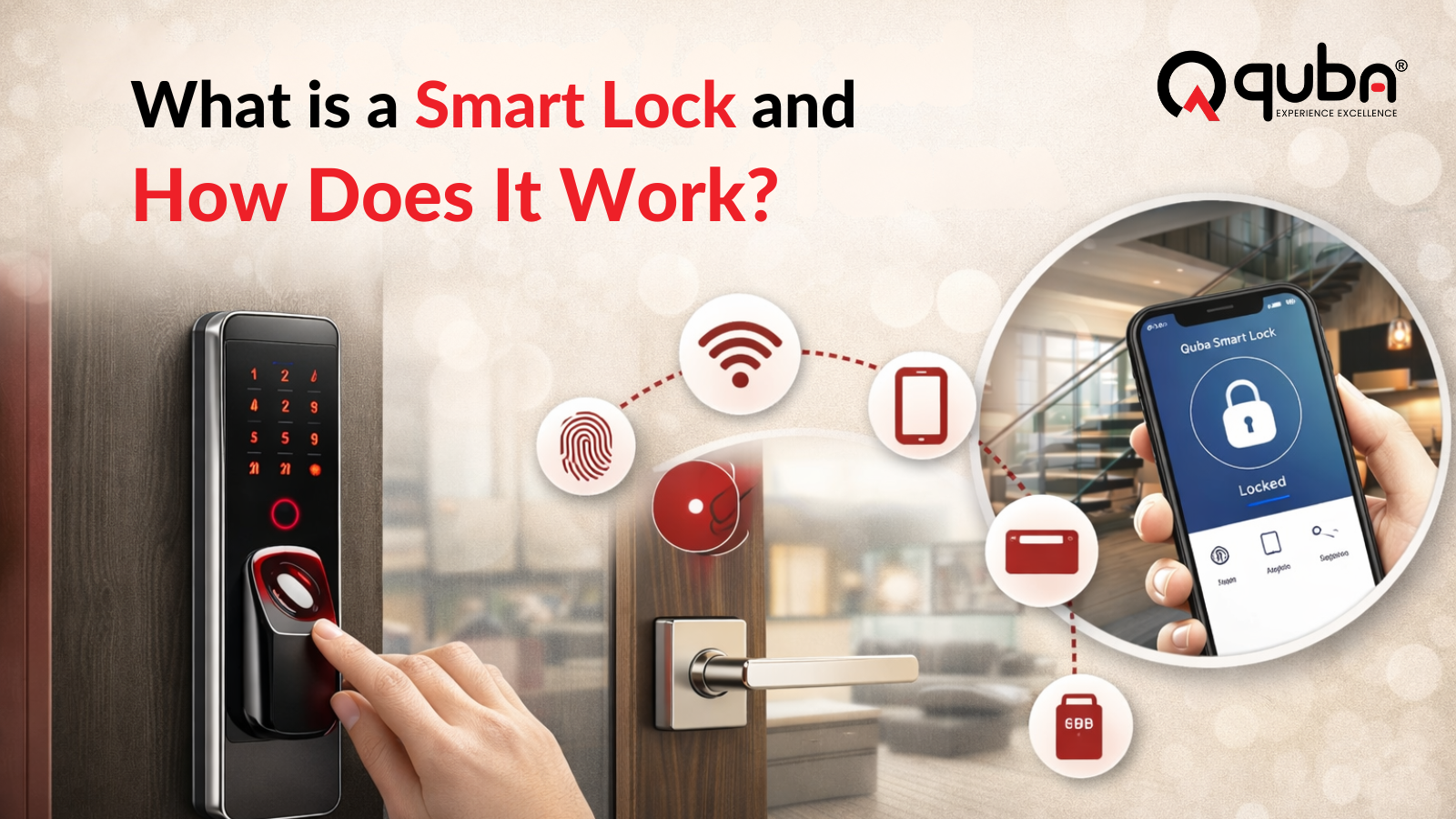
An electronic locking device called a smart lock enables you to secure your door without the use of conventional keys. Smart locks, in contrast to traditional locks, can be operated from a distance using gadgets like voice assistants, tablets, and smartphones. Biometric identification methods like fingerprints, facial recognition, or PIN codes are also supported by some devices.
In essence, smart locks combine technology, convenience, and security to give homeowners greater control over who can enter their property and peace of mind.
How Smart Locks Work:
Digital technology that is connected to your smartphone or smart home system powers smart locks. The majority of smart locks, including Quba smart locks, operate as follows:
Authentication Technique:
Smart locks employ a variety of authentication techniques, including:
When you are close to the lock, Bluetooth connects your smartphone to it.
Wi-Fi: Enables remote access from any location in the world.
Using physical tokens, RFID cards or fobs provide keyless admission
Biometrics:
For optimal security, use facial recognition or fingerprints.
Signal Communication:
The smart lock uses Bluetooth or Wi-Fi to connect with your device when you try to unlock the door, confirming the authentication method.
Lock Mechanism Activation:
The door opens when the lock’s motorized mechanism disengages once authentication is verified. For increased security, certain smart locks can also be integrated with conventional locks or deadbolts.
Logging and notifications:
A lot of smart locks, such as those made by Quba, maintain a digital record of all entries and exits and provide real-time notifications to your smartphone. This guarantees that you are constantly conscious of who comes into and goes out of your house.
Types of Smart Locks
varied types of smart locks are available to accommodate varied door configurations and security requirements. You may select the ideal one for your house or place of business by being aware of the many varieties.
Smart Locks with Keypads
To unlock a door with a keypad smart lock, a PIN is needed. Because codes may be shared, changed, or deactivated at any moment, they are quite practical for houses with several users.
Features like guest temporary access codes, entrance time logging, and advanced encryption to thwart hackers are all included in Quba Keypad Smart Locks.
Biometric Smart Locks
Biometric locks unlock doors using facial recognition or fingerprint technologies. Because each person’s fingerprints and face features are distinct, they offer the highest level of protection.
For tech-savvy homes and businesses needing cutting-edge security, Quba’s biometric locks are ideal since they are quick, precise, and easy to use.
Wi-Fi/Bluetooth Smart Locks
These smart locks can be connected to your smartphone via Wi-Fi (for remote access) or Bluetooth (for proximity-based unlocking). They frequently work with smart home platforms like Amazon Alexa and Google Home.
Quba Wi-Fi/Bluetooth Lock Advantages:
Locking and unlocking remotely
Visitors’ temporary digital keys
Alerts regarding door action.
Hybrid Smart Locks
Hybrid smart locks combine traditional keys with digital unlocking methods. This ensures that even if the technology fails, you still have a physical backup key.
Quba’s hybrid locks are ideal for those transitioning from conventional locks to smart technology without compromising reliability.
Benefits of Using Quba Smart Locks
Smart locks offer convenience, security, and control that traditional locks cannot match. Here’s why Quba’s smart locks stand out:
Enhanced Security
Quba smart locks come with advanced encryption, anti-tampering mechanisms, and biometric verification to ensure maximum protection against intruders.
Keyless Convenience
Say goodbye to lost keys or lockouts. With Quba smart locks, you can unlock your door using your smartphone, PIN code, fingerprint, or even a digital key shared with family and friends.
Remote Monitoring and Control
Quba smart locks allow you to monitor your door remotely. Receive notifications whenever someone enters or exits, check logs, and even lock or unlock the door from anywhere.
Integration with Smart Home Systems
Quba locks seamlessly integrate with home automation systems, allowing you to control lights, alarms, cameras, and thermostats along with your door locks.
Guest Access Management
Whether you are hosting friends, family, or service personnel, Quba smart locks allow temporary access that automatically expires after a set time. No more giving out spare keys or worrying about unauthorized access.
How to Install a Quba Smart Lock
Installing a Quba smart lock is straightforward, and most models fit standard door types. Here’s a general step-by-step guide:
Step 1 – Gather Your Tools
- Smart lock kit
- Screwdriver
- Batteries (usually included)
- Smartphone or tablet
Step 2 – Remove Existing Lock
Carefully remove your old lock while keeping the door intact. Quba smart locks are designed to replace most traditional deadbolts without major modifications.
Step 3 – Install the Smart Lock
- Attach the interior and exterior components of the smart lock to your door.
- Ensure the lock aligns correctly with the latch.
- Insert batteries and test the motorized mechanism.
Step 4 – Connect to Your Device
- Download the Quba mobile app.
- Follow on-screen instructions to pair your lock via Bluetooth or Wi-Fi.
- Set up PIN codes, fingerprints, or digital keys as desired.
Step 5 – Test and Customize
- Test all unlocking methods.
- Customize notifications, guest access, and integration with smart home devices through the app.
Common Features of Quba Smart Locks
Quba smart locks come with innovative features designed to make life easier while enhancing security.
Auto-Locking
Automatically locks the door after a set period, reducing the risk of leaving your home unsecured.
Activity Log
Keeps a record of entries and exits, accessible via the Quba app. Perfect for monitoring your home or office.
Emergency Key Override
For added safety, Quba smart locks include a physical key option in case of battery failure or technical issues.
Voice Control Compatibility
Compatible with Google Assistant, Amazon Alexa, and Apple HomeKit, allowing hands-free access and integration with other smart devices.
Tamper Alerts
If someone attempts to force the lock, Quba smart locks send instant alerts to your smartphone, ensuring timely action.
Why Choose Quba Smart Locks?
Choosing the right smart lock is crucial for safety and convenience. Here’s why Quba stands out in the market:
Reliability and Durability
Quba locks are built from high-quality materials, ensuring long-term durability and resistance to tampering or weather damage.
User-Friendly Interface
Even for those without technical knowledge, the Quba app is simple to use and accessible. It’s easy to set up users, temporary codes, and activity tracking.
Advanced Technology
From biometric authentication to remote control and notifications, Quba integrates the latest smart technology to keep your home or office secure.
Excellent Customer Support
Quba offers responsive customer service, online resources, and tutorials, ensuring a smooth experience from installation to daily use.
Tips for Maximizing Your Smart Lock Security
Even the best smart locks need proper usage to maximize security. Here are some tips:
Keep Your Software Updated
Regular updates ensure your lock’s firmware and app have the latest security patches.
Use Strong PIN Codes
Avoid simple or predictable codes. Quba allows customized and rotating PINs for better protection.
Monitor Access Logs
Check your Quba app regularly to monitor entries, detect unusual activity, and adjust user permissions.
Enable Two-Factor Authentication
For added security, enable two-factor authentication on your Quba app account.
Conclusion
By offering convenience, control, and peace of mind, smart locks are transforming home and office security. You can effectively secure your property with Quba smart locks thanks to its cutting-edge technology, robustness, and user-friendly features.
Quba provides a solution that suits your lifestyle, whether you want keypad entry, biometric authentication, or smartphone remote control. Experience the future of smart home security by upgrading to a Quba smart lock right now.
